


Frequently Asked Questions
Why is local control important for a resilient smart home?
Local control means your smart home devices and automations function on your local network without relying on external cloud servers. This is crucial during power outages or internet disruptions, as cloud-dependent devices often become inoperable, rendering your smart home ‘dumb’. Home Assistant’s self-hosted nature ensures core functions remain active.
How can I keep my Home Assistant running during a power outage?
The most effective method is using an Uninterruptible Power Supply (UPS). Connect your Home Assistant server, modem, and router to the UPS. This battery backup will instantly provide power, keeping your local network and Home Assistant operational until grid power is restored or the UPS battery depletes.
What kind of automations are useful during a power outage?
Focus on conservation and essential information. Automations can dim lights to save power, send notifications about the outage, maintain security by keeping sensors active, and monitor critical temperatures in refrigerators or freezers to prevent food spoilage. Advanced setups can manage backup generators or solar power.
Can Home Assistant manage backup power systems like solar or generators?
Yes, Home Assistant can integrate with advanced power systems such as solar panels, home batteries (like Tesla Powerwall), and backup generators. This integration allows for real-time monitoring of energy production and consumption, and enables automated load shedding to prioritize critical devices and extend backup power runtime.
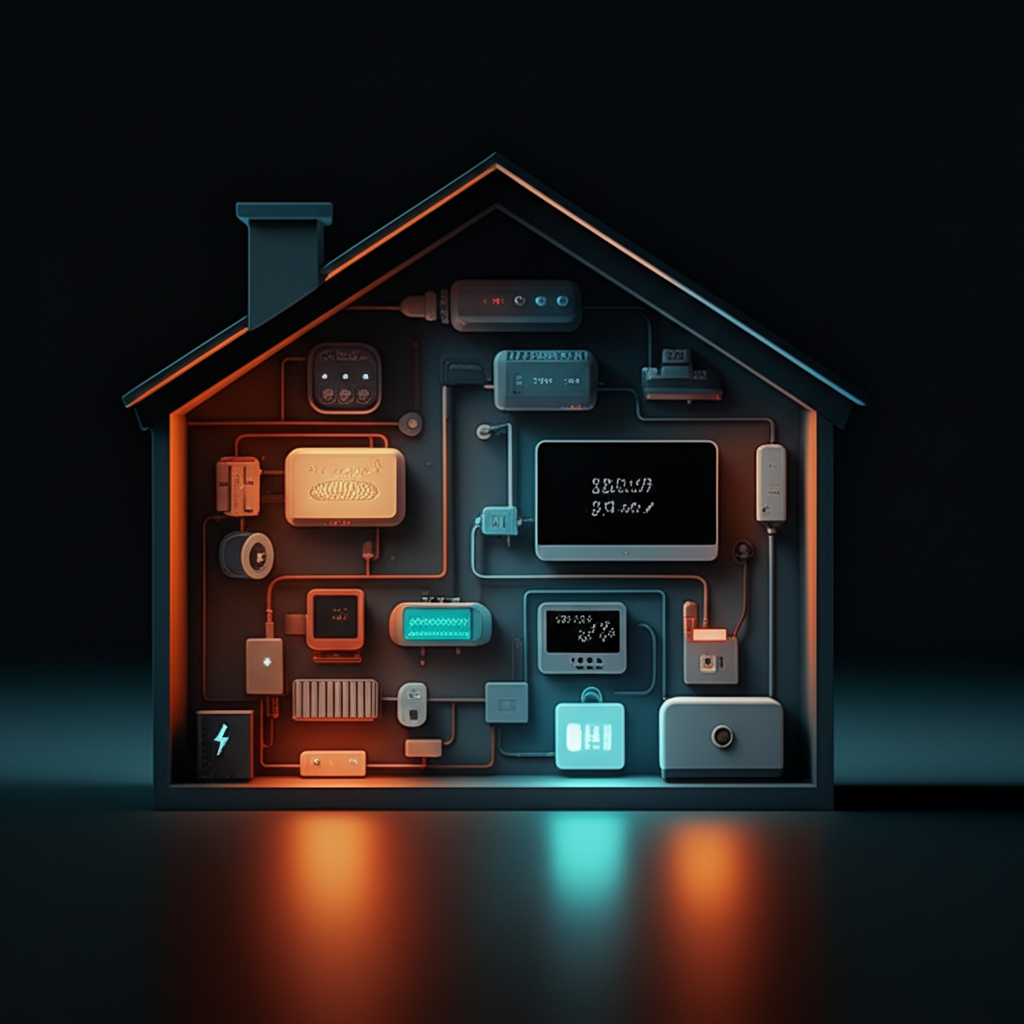
In an era where our homes are increasingly intelligent, the conversation often revolves around convenience and automation. However, the true measure of a smart home isn’t just how it performs on a good day, but how it holds up during a crisis. A power outage is the ultimate test, often severing the cloud connection that many smart devices rely on, rendering them useless. This article explores the pivotal role of Home Assistant in building a truly resilient home. We will delve into why local control is paramount, outline practical strategies for maintaining functionality during a power outage, and showcase how thoughtful automation can provide security, information, and control when you need it most, independent of the grid or the internet.
The Cornerstone of Resilience: Embracing Local Control
The modern smart home market is saturated with devices that depend on a constant connection to the internet. Your smart speaker, thermostat, and even some light bulbs often communicate with a server miles away to perform a simple command. This cloud-dependency creates a significant point of failure. If your internet connection drops, or the company’s servers go offline, your smart home can quickly become a ‘dumb’ one. A resilient home must operate on a different principle: local control. This means that commands and automations are processed directly within your home’s local network, without needing to reach the outside world. This is where Home Assistant excels. As an open-source, self-hosted platform, it runs on a dedicated device in your home, acting as the central brain. It communicates directly with compatible devices using protocols like Zigbee, Z-Wave, and local Wi-Fi, ensuring that your core systems remain operational even when the internet is down.
Practical Preparedness: Powering Your Smart Home Hub
The first step towards outage-readiness is ensuring your Home Assistant server and essential network hardware remain powered on. This is achieved with an Uninterruptible Power Supply (UPS), which is essentially a large battery that provides instantaneous backup power. Keeping your smart home’s brain alive is critical for maintaining control over your local devices.
How to Get Started with a UPS for Home Assistant:
- Select the Right UPS: For a typical Home Assistant setup (e.g., a Raspberry Pi or a mini-PC), along with a modem, router, and a Zigbee/Z-Wave coordinator, a small 400-600 VA UPS is often sufficient. Look at the total wattage of your essential devices and choose a UPS that can power them for your desired runtime, whether it’s 15 minutes or over an hour.
- Connect Key Hardware: Plug your Home Assistant server, modem, router, and any USB coordinators into the battery-backed outlets on the UPS. This ensures your entire local control network stays online.
- Integrate the UPS with Home Assistant: Most modern UPS units can be connected to your Home Assistant server via USB. Using an integration like Network UPS Tools (NUT), you can bring the UPS into Home Assistant as a device. This unlocks powerful monitoring and automation capabilities. You can create sensors to track the battery level, see the current power load, and know whether the house is on grid or battery power.
- Create Smart Automations: Once integrated, you can create automations that trigger when a power outage is detected. For example, send a notification to your phone, dim non-essential lights to conserve energy, or even initiate a graceful shutdown of your Home Assistant server when the UPS battery reaches a critical level to prevent data corruption.
Essential Automations for When the Lights Go Out
With your Home Assistant instance running on a UPS, you can maintain a surprising level of functionality and safety during an outage. The focus shifts from convenience to conservation and information. Your automations should be designed to prolong battery life and provide critical updates. For instance, you can automatically turn off all lights except for one or two in high-traffic areas, and set them to only turn on at 20% brightness when motion is detected. If you have battery-powered sensors on doors and windows, your local security system remains fully active. Furthermore, you can use Home Assistant to monitor the temperature inside your refrigerator and freezer, sending you an alert if it rises to an unsafe level, giving you time to act before food spoils. This transforms your smart home from a collection of gadgets into a vital support system.
Advanced Strategies: Full Home Integration and load shedding
For those with more advanced power systems like solar panels paired with a home battery (such as a Tesla Powerwall) or a backup generator, Home Assistant becomes an even more powerful tool. By integrating these systems, you gain unparalleled insight and control over your home’s energy consumption. You can create a dashboard that visualizes your battery’s state of charge, how much power your solar panels are generating, and your home’s current energy draw. This information is key to making smart decisions during an extended outage. The next level is automated load shedding. You can program Home Assistant to automatically turn off high-consumption, non-essential devices—like a water heater, pool pump, or even an air conditioning unit—when it detects that the home is running on battery power. This intelligent energy management can dramatically extend the runtime of your backup power, prioritizing critical loads like refrigeration, lighting, and communications.
In conclusion, building a resilient smart home goes beyond simple automation; it’s about ensuring reliability and control when external systems fail. By prioritizing a local-first platform like Home Assistant, homeowners can decouple their home’s core functions from the volatile nature of the internet and the power grid. The strategic use of an Uninterruptible Power Supply for core network and server hardware is the essential first step. From there, thoughtful automations focused on energy conservation, security, and critical system monitoring provide a robust safety net. For the advanced user, integrating and automating backup power systems can achieve a level of energy independence and resilience that was previously unimaginable. A truly smart home offers peace of mind, not just convenience.


Leave a Reply