

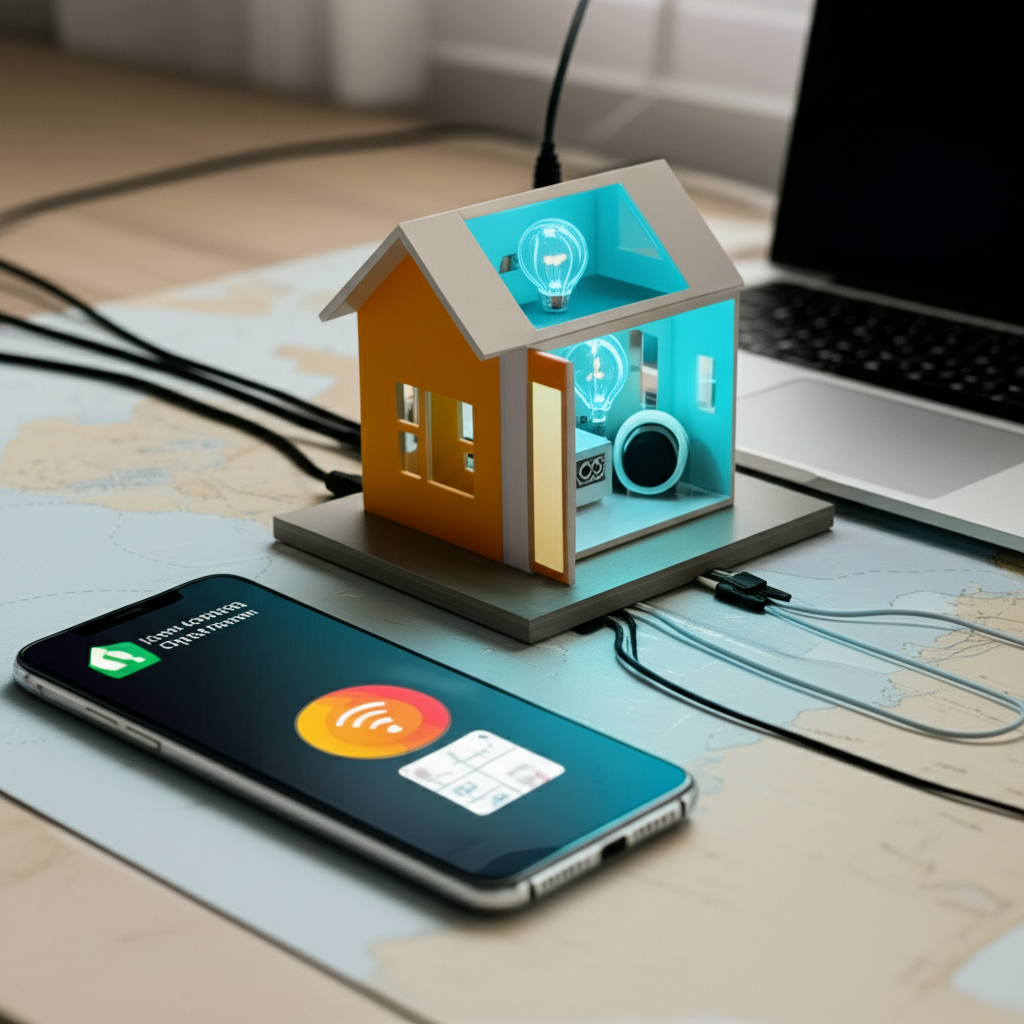
In the evolving landscape of remote work and borderless living, the digital nomad lifestyle has soared in popularity. Yet, even as we embrace the freedom of movement, the desire for comfort, familiarity, and smart convenience remains. Traditional smart home setups, tethered to fixed locations and local Wi-Fi, often prove incompatible with this itinerant existence. This article explores an innovative solution: leveraging Home Assistant to forge a portable, self-contained smart home. Imagine a personal oasis of automation that travels with you, offering consistent control over your environment, enhancing security, and simplifying daily routines, whether you’re in a cozy Airbnb, a van, or a temporary rental. We’ll delve into how to build a robust, independent smart ecosystem that truly adapts to your nomadic adventures.

The Nomad’s Smart Home Dilemma: Why Portability Matters
Digital nomads often grapple with a fundamental challenge when it comes to smart home technology: consistency and reliability. Moving from one temporary residence to another means constantly reconfiguring devices, battling with unfamiliar Wi-Fi networks, and often leaving behind investments in smart gadgets that simply don’t translate to a new space. Relying on cloud-dependent devices can lead to frustrating delays, security vulnerabilities, or even complete loss of functionality when internet access is spotty or non-existent.
A truly portable smart home setup addresses these issues by creating an independent ecosystem. This means your smart devices communicate locally within your personal network, freeing them from the whims of public Wi-Fi or landlord-provided internet. This independence not only ensures consistent performance but also enhances privacy and security, as your data stays within your control. For the digital nomad, a self-contained smart home transforms from a luxury into a tool for greater efficiency, comfort, and peace of mind on the road.
Building Your Portable Home Assistant Core: Hardware Choices
The heart of your portable smart home is the Home Assistant server. Choosing the right hardware for this core is crucial for balancing portability, power efficiency, and performance. The goal is a device that’s small, durable, and consumes minimal power while still being capable of running Home Assistant OS and managing your automations effectively.
– Raspberry Pi: The Raspberry Pi series, particularly models like the Raspberry Pi 4 (2GB or 4GB RAM), are excellent candidates. They are incredibly compact, energy-efficient, and benefit from a vast community support network. For storage, always opt for a high-quality USB-connected SSD rather than an SD card. SD cards are prone to corruption with frequent read/write cycles, making them unreliable for a 24/7 operating system like Home Assistant.
– Mini PCs: For those desiring more processing power or I/O options, small form-factor mini PCs (e.g., Intel NUC clones, or fanless mini PCs) offer more robust performance. While slightly larger and potentially more power-hungry than a Raspberry Pi, they provide greater flexibility for running additional services alongside Home Assistant.
Action Item: Begin by acquiring a Raspberry Pi 4 (2GB minimum) and a high-endurance 120GB or 250GB SSD with a suitable USB-to-SATA adapter. Ensure your power supply is reliable and supports the chosen hardware, considering a portable USB-C power bank for truly off-grid scenarios.
Essential Peripherals for a Self-Contained Setup
A portable Home Assistant core is only as good as the devices it controls. The key here is selecting smart devices that prioritize local control and can easily integrate into a self-contained network, independent of cloud services or specific internet providers.
– Portable Wi-Fi Router: This is perhaps the most critical peripheral. A travel router (e.g., GL.iNet models) allows you to create your own private Wi-Fi network that travels with you. Your Home Assistant server and all smart devices connect to this router. When you arrive at a new location, you simply connect the travel router to the available internet source (hotel Wi-Fi, mobile hotspot, ethernet), and your entire smart home ecosystem comes online without needing to reconfigure individual devices.
– Local Control Devices (Zigbee/Z-Wave): Prioritize smart devices that communicate using protocols like Zigbee or Z-Wave. These mesh networks operate locally via a dedicated USB dongle connected to your Home Assistant server, completely bypassing the need for cloud services for basic functionality. Examples include smart plugs, light bulbs, temperature sensors, and motion sensors.
– Wi-Fi Devices with Local Control: Some Wi-Fi devices, like those from Shelly or ESPHome-flashed devices, offer local control capabilities. These can integrate seamlessly into your portable Wi-Fi network without relying on external servers.
Action Item: Invest in a reliable travel router capable of creating its own Wi-Fi network and acting as a Wi-Fi client. Purchase a Zigbee (e.g., Sonoff Zigbee 3.0 USB Dongle Plus) or Z-Wave USB stick to plug into your Home Assistant server, enabling communication with a wide array of local smart devices.
Configuration and Automation on the Go: Best Practices
Once your hardware is assembled, effective management and thoughtful automation are what truly make a portable smart home shine for a digital nomad. This involves ensuring your setup is robust, secure, and adaptable to different environments.
– Robust Backups: Regular backups are non-negotiable. Home Assistant’s built-in snapshot functionality allows you to easily create full backups of your configuration, add-ons, and operating system. Integrate an add-on like Google Drive Backup to automatically upload these snapshots to cloud storage, providing an off-site recovery option in case of hardware failure.
– Secure Remote Access: While the goal is local control, secure remote access is invaluable for management and monitoring. Consider setting up a VPN server on your portable router (WireGuard is an excellent, lightweight option) or directly on Home Assistant. This allows you to securely connect to your Home Assistant instance from anywhere, even when you’re away from your setup. Alternatively, services like Nabu Casa offer a fully managed, secure remote access solution without complex VPN setup.
– Nomad-Centric Automations: Design automations that cater to the nomadic lifestyle. Think about automations for “arrival” and “departure” scenes that adjust lighting, climate (if portable units are available), and security. Power monitoring can be crucial in vans or off-grid scenarios. Presence detection via your phone connecting to your portable Wi-Fi can trigger a welcome routine.
Action Item: Configure the Google Drive Backup add-on for Home Assistant to perform daily backups. Explore setting up WireGuard on your travel router for secure remote access, allowing you to manage your smart home even when you’re out exploring.
Embracing the digital nomad lifestyle no longer means sacrificing the comforts and conveniences of a smart home. By carefully selecting portable hardware, prioritizing local control devices, and establishing a self-contained network with Home Assistant, you can build an intelligent ecosystem that travels seamlessly with you. This approach not only provides consistency and reliability but also grants unparalleled control over your personal space, enhancing security and streamlining daily routines no matter where your journey takes you. The ability to carry your smart home in a backpack empowers you to transform any temporary dwelling into a familiar, automated haven. With a little planning and the right tools, the dream of a truly portable, adaptable smart home is well within reach for every modern adventurer.


Leave a Reply